Integration troubleshooting checklist
Use this when an import, export, membership lookup, POS sync, or entry-system connection is not working as configured.
Start with the integration page
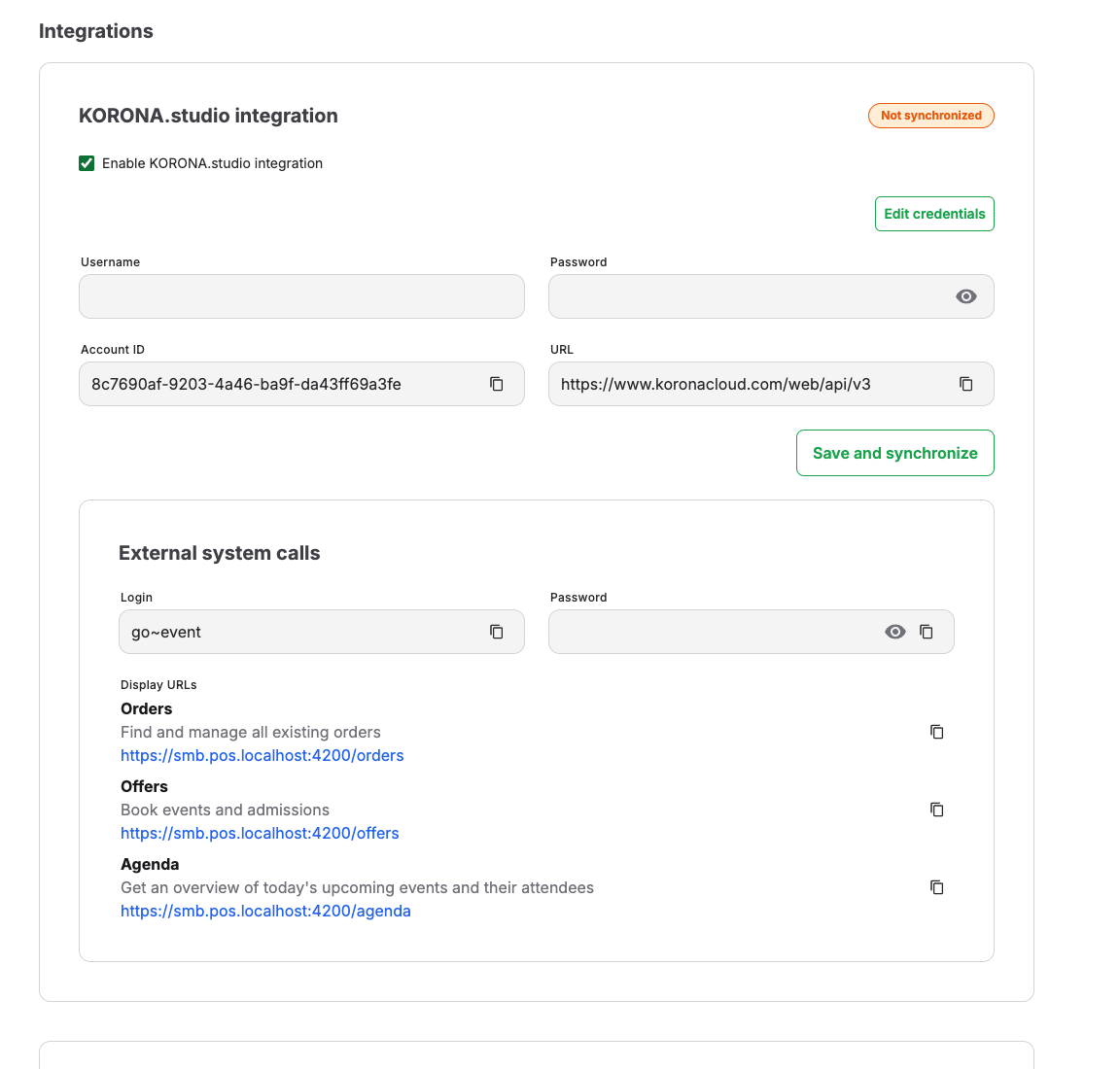
Open Admin > Integrations.
Check whether the relevant integration is enabled, whether credential fields are present, and whether the page shows a connection status.
Identify the affected connection
Determine which integration and direction are affected: import to KORONA Event, export from KORONA Event, scan validation, or membership lookup. Use the order, ticket, customer, or external identifier to make sure you are looking at the same record in both systems before changing either copy.
Safe credential check
Use Edit credentials only when an authorized admin must update credentials. Do not expose passwords or secret keys in screenshots, tickets, chat, or email.
If credentials were recently changed, update the connected system as well when its setup requires the same change.
Expected result
The integration is enabled and connected with the intended credentials, and the affected action succeeds for the matching record.
When KORONA disables your account
If KORONA reports that your account is disabled, KORONA Event temporarily stops KORONA data imports, exports, and customer synchronization. Pending exports and customer updates are retained. KORONA POS Next stops, and KORONA POS Next Server pauses while retaining its local data, configuration, and selected version.
Contact your KORONA account administrator or KORONA support to have the account reactivated. You do not need to remove the integration or delete and recreate the server. Change credentials only if your KORONA administrator confirms they have changed.
KORONA Event continues checking the account status, normally every five minutes. Once KORONA confirms that the account is active, synchronization becomes eligible to run again and services that were enabled before the suspension restart automatically. A service you manually disabled or paused remains stopped. Pending work continues during the regular synchronization runs; catching up may take time.
Troubleshooting
| Problem | What to check |
|---|---|
| External ticket does not scan | Integration enabled state, ticket number, event date, customer identity, and external system status. |
| Customer benefit not applied | Customer email, duplicate customer records, external ID, and membership sync. |
| Credentials were changed | Update both systems where required and retest one known record. |